Skip to content
← All posts

#Intune

5 min read

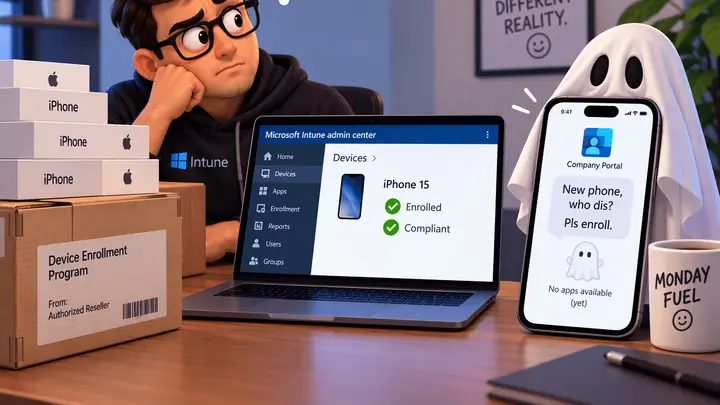
Company Portal Ghosting Your iOS ADE Enrollment? Here’s the Fix for the New Enrollment Policies

If you’ve tested the new ADE enrollment policies in Intune and Company Portal fought you afterward, you’re not alone. I was testing the new policies and hit the same issue on every device. Setup Assistant finished, Intune managed the device as expected, and device-level apps installed and removed without a problem. Then Company Portal tried…
4 min read

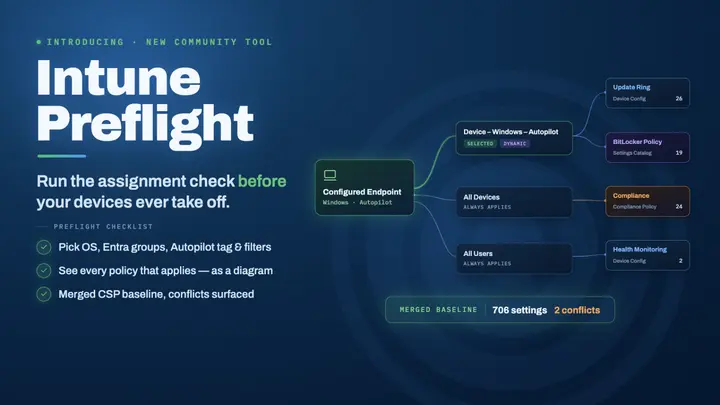
Introducing Intune Preflight: Simulate Your Endpoint’s Merged Baseline Before You Deploy

After roughly a year of writing deep-dive Intune content here on malinoski.me — posts on Assigned Access kiosks, Intune-based McAfee removal, policy conflicts, Autopatch deployments, and the eternal “why isn’t this device getting what I assigned?” question — I kept running into the same fundamental friction. Intune’s admin center is fantastic for creating policy, but…

5 min read

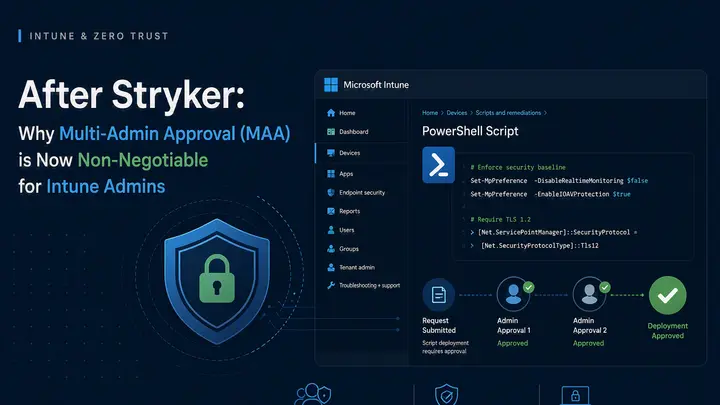
After Stryker: Why Multi-Admin Approval (MAA) is Now Non-Negotiable for Intune Admins

Zero Trust essential configuration + real demo of the script approval flow In the aftermath of the Stryker incident earlier this year, enabling Intune’s Multi-Admin Approval feature (MAA) has become a non-negotiable Zero Trust control. If you’re not familiar with what happened, threat actors gained access to Intune and were able to execute mass wipe…

3 min read

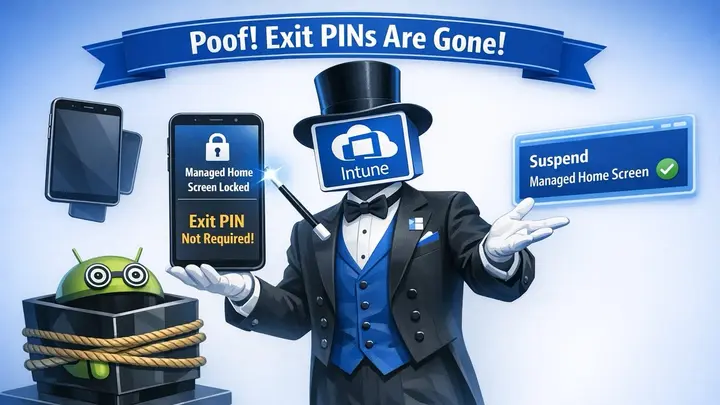
Managed Home Screen Just Got Way Better: Intune Admins Can Now Suspend It Remotely – No More Exit PIN Needed (Samsung & More)

If you’ve been following along, you know I spend a lot of time thinking about shared and kiosk-style devices — especially the kind frontline workers and shift teams rely on every day. Managed Home Screen (MHS) on Android Enterprise has been a game-changer for locking those experiences down while still giving users seamless Microsoft Entra…

8 min read

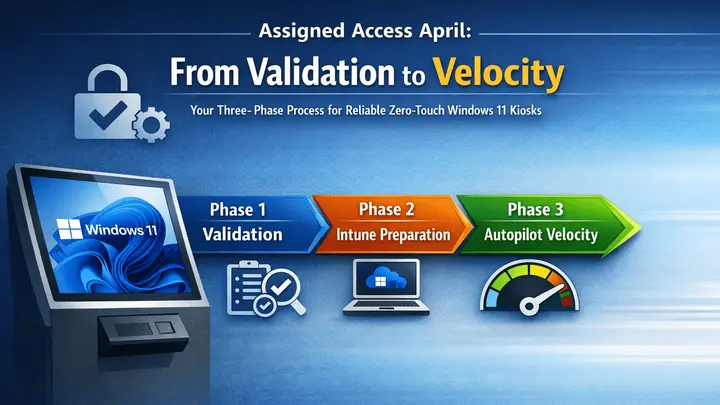
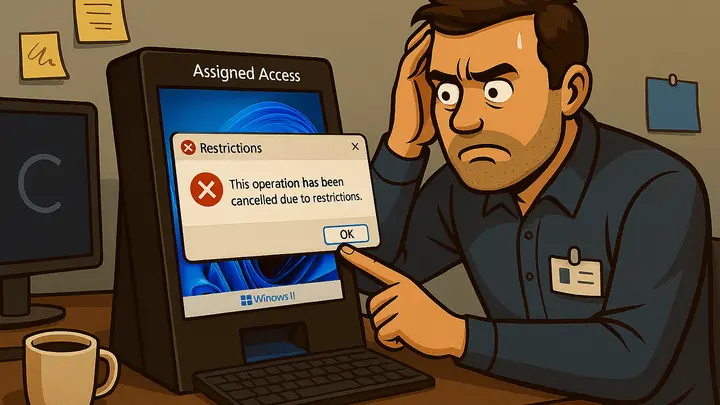
Assigned Access April: From Validation to Velocity – Your Three-Phase Process for Reliable Zero-Touch Windows 11 Kiosks

If you’ve been following along this month, you already know the story: we’ve spent the entire month of April diving deep into Assigned Access—the Windows 11 technology that powers reliable, locked-down kiosks for public-facing, frontline, and general-use devices. From the very first kickoff post (where we looked at why the old Intune Kiosk Templates don’t…

5 min read

Assigned Access April – A Trip to Boston for the Workplace Ninjas (And Why You Need to Show Up to These Events)

That’s right—Assigned Access April is taking a quick breather this week. We’ve packed the month with deep dives into cloud-native Intune management for both internal and public-facing kiosks, and we’re building toward a strong grand finale before the month ends. Before we wrap up the series, I wanted to share something special that happened this…

6 min read

Assigned Access April: Essential CSPs & Settings Catalog Configurations to Fine-Tune Your Windows 11 Kiosks

Welcome back to Assigned Access April! If you’re just joining us, we’re spending the entire month of April geeking out over everything Assigned Access on Windows 11. Haven’t caught up yet? Start here with the earlier posts in the series: Today we’re tackling one of the most critical pieces of a production kiosk: the CSP…

3 min read

Windows Autopatch Reports Are Live – Time for Your Endpoints to Join the Journey

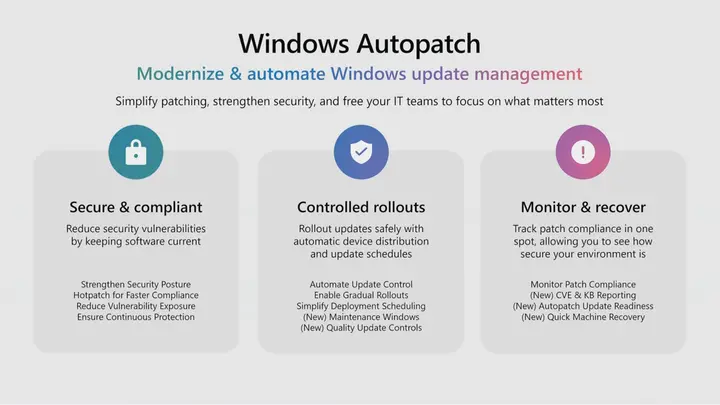
If you blinked (👀) this week, you might’ve missed it—perfect Read-Only Friday material. The new Windows Autopatch update readiness reports hit general availability, and honestly, these are the kind of insights Intune admins have been asking for forever. Cassidy Fein at Microsoft announced the welcome addition Intune on the Windows IT Pro Blog—definitely worth a…

6 min read

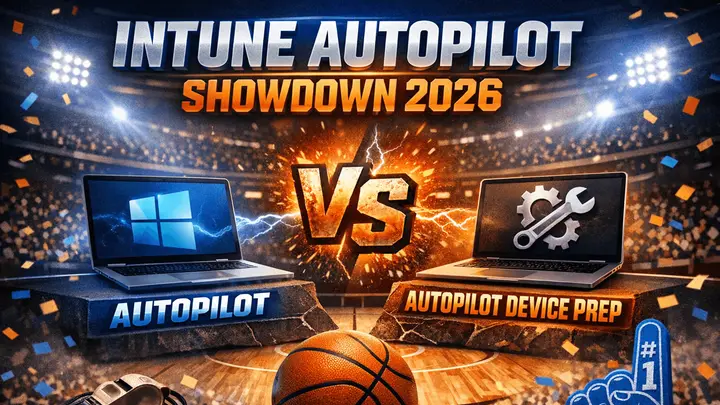
Mastering Autopilot Device Preparation: A Practical Baseline for Autopilot V2 (Yeah, the One You Probably Skipped)

Hey folks, yep—that’s right. Autopilot Device Preparation. Or as the community lovingly calls it, Autopilot V2. The thing you definitely have fully configured in your tenant… right? 😅 If you’re like most Intune admins I talk to (including myself a couple years back), you’ve been rocking classic Autopilot V1 for ages because, let’s be honest,…

9 min read

Mastering Intune Autopilot: Your Essential Guide to Windows 11 Provisioning Best Practices Heading into 2026

If you’ve been following along, you know I’m all about diving into the Microsoft ecosystem in ways that make our IT lives easier, more efficient, and honestly, a bit more fun. After that AI-packed Microsoft Ignite last week, I’ve been geeking out over all the new features rolling out—especially those paving the way for agentic…

5 min read

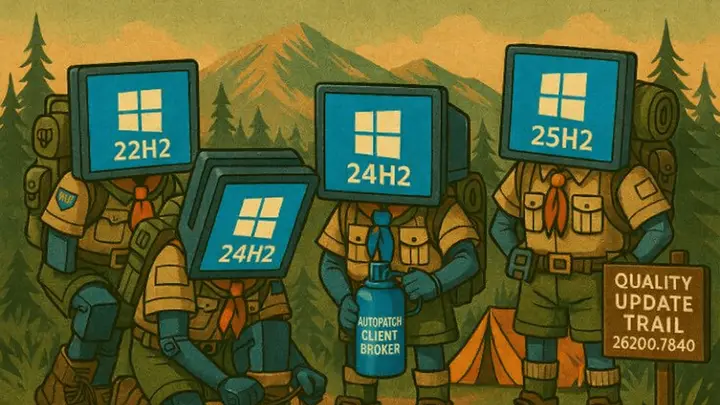
Mastering Windows Feature Updates – A Health Check for Your Intune Policies

As Microsoft shifts us toward cloud-managed endpoints via Intune, questions about fine-tuning these policies keep popping up – specifically regarding feature updates; uncontrolled feature updates can cause unsanctioned releases, leading to instability and poor user experiences Hey everyone, it’s been a bit since my last post on leveraging Autopatch to smoothly transition from Windows 10…

4 min read

HP Wolf Security Removal in Intune: A PowerShell Approach

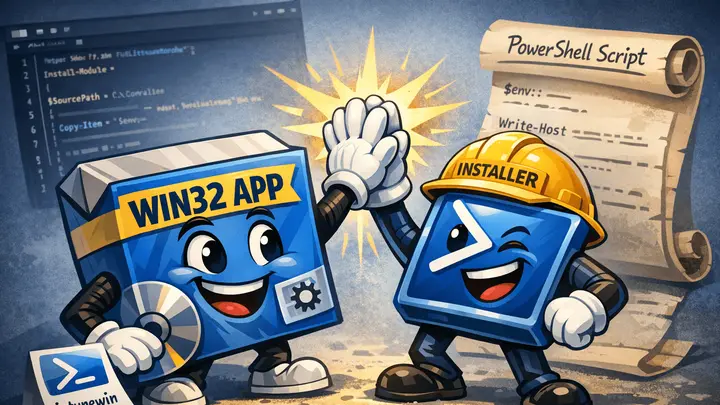
The modern workspace approach for detecting & remediating HP Wolf Security Antivirus through Microsoft Intune application packaging. This week we’re diving into HP Wolf Security antivirus, which comes preinstalled on all HP systems. If you’ve been following along, this is very similar to what we did in our previous blog posts on automating McAfee removal.…

3 min read

Streamlining McAfee Removal in Intune for 2025: A Comprehensive Guide

The modern workspace approach for detecting & remediating McAfee AV through Microsoft Intune application packaging. Managing Windows devices in an enterprise environment is challenging, particularly when devices from manufacturers like Dell, HP, and Lenovo come preinstalled with McAfee antivirus. This software can disrupt zero-touch provisioning, conflict with corporate security solutions, and degrade system performance, reliability,…